Tasks
important
Tasks are available only on Team Workspaces
On a Team Workspace, a team member can be assigned to:
- Purchase lists and purchase orders
- Sales orders
- Production plans and production builds
- Stock adjustments and pick lists
This way everyone knows who's in charge of what. To assign a team member, pick one in the Assigned to field when creating or editing any of these (or several at once, through bulk editing). The Assigned to column can also be shown on their tables, so you can sort, group or filter them by who they're assigned to.
My Tasks
The My Tasks button, on the app's navigation bar, shows how many open things have been assigned to you. Clicking it lists them, grouped by type, so you can go straight to any of them.
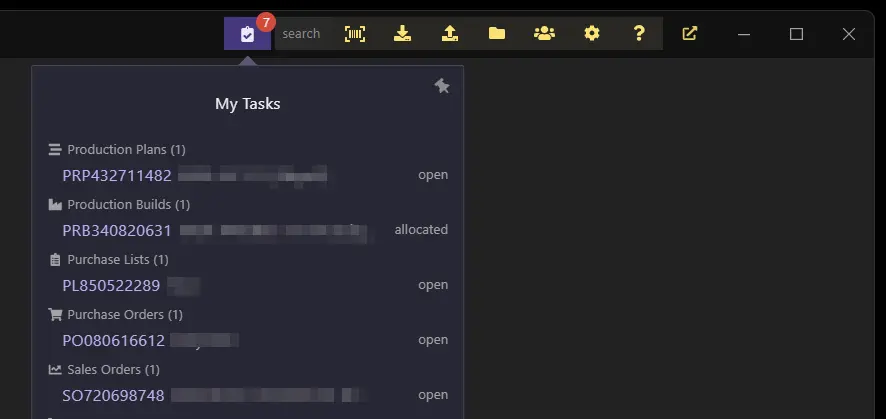
Only the things that are still open (e.g. purchase orders that haven't been received yet, or production builds that haven't been finished yet) are listed.