The app's main menu has been redesigned so every menu sits under its own category making it easier to visually parse the available options.
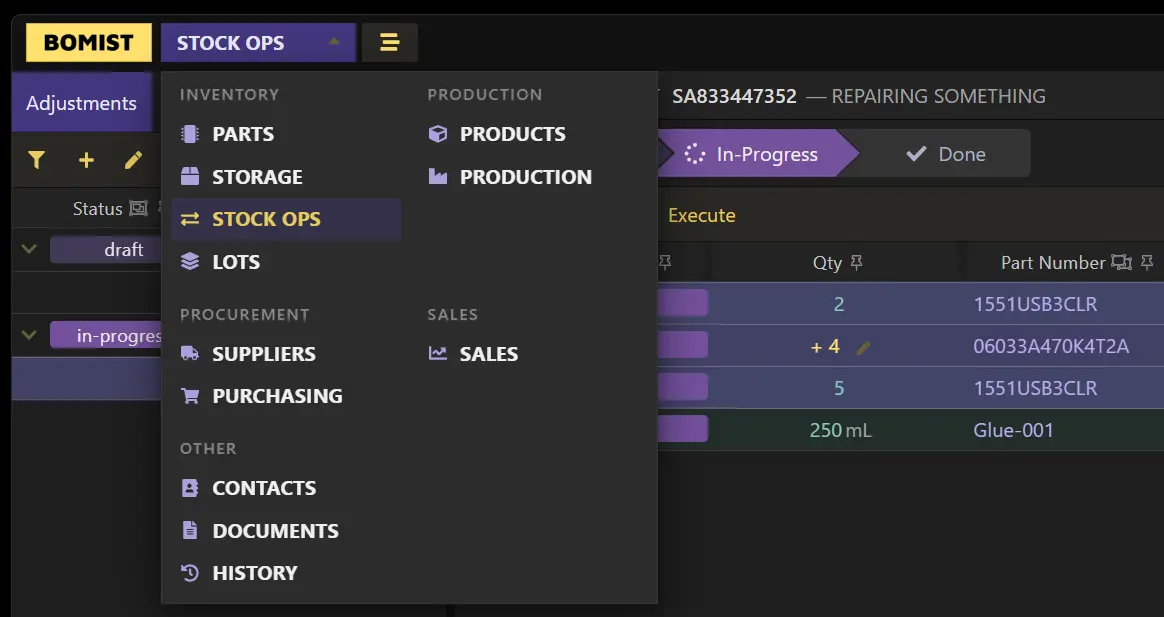
With this you might notice a new menu: Stock Ops (which stands for stock operations). Here you can list bulk operations that affect your stock. For now two types of stock operations are available: Stock Adjustments and Pick Lists.
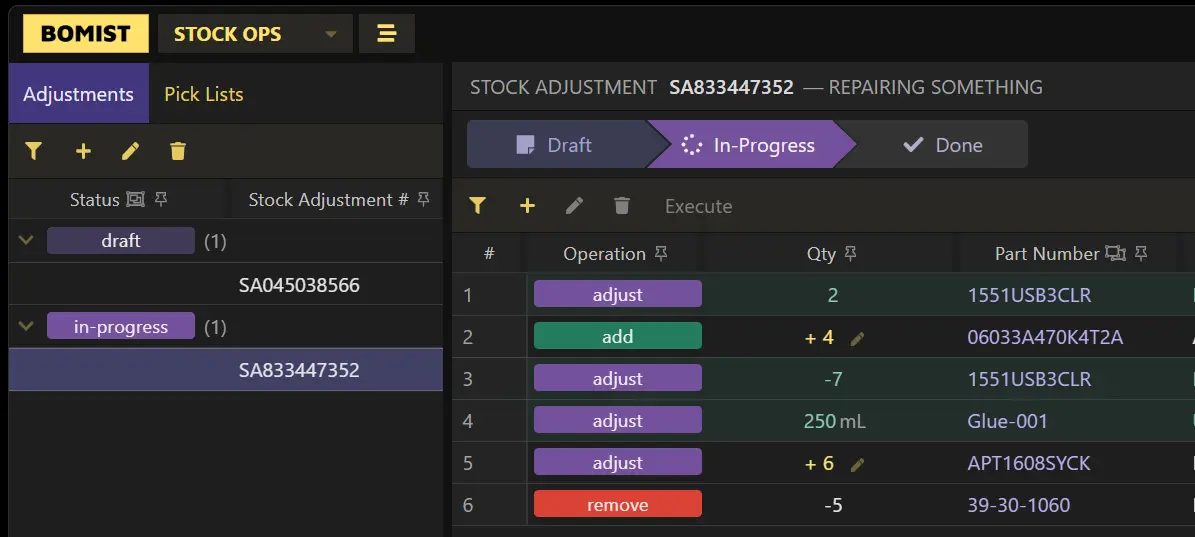
Stock Adjustments allow you to list quantities that need to be added and existing inventories that need to be adjusted or removed all together. This might be useful when doing repairs or listing production deviations (i.e. unused parts that go back in stock after production, or extra parts that had to be consumed during production).
Pick Lists allow you to list existing inventory that has to be moved between storage locations.
The workflows in either type of stock operation and lists should feel very familiar to you. The main action here, after listing parts and quantities, is the Execute action which effectively executes the adjust or move operation.