New feature: Other Costs have been greatly expanded. Besides Sales Orders, other costs (shipping, fees, labor, tooling, etc.) can now also be added to Purchase Orders and to Products (revisions and production builds). A cost can be a fixed amount (price × quantity), a fixed amount per row, or a percentage of the order's subtotal. Costs can be negative (e.g. discounts) and can be flagged as taxable, non-taxable or as a tax. Frequently used costs can be defined once onSettings > Other Costsand picked whenever needed.
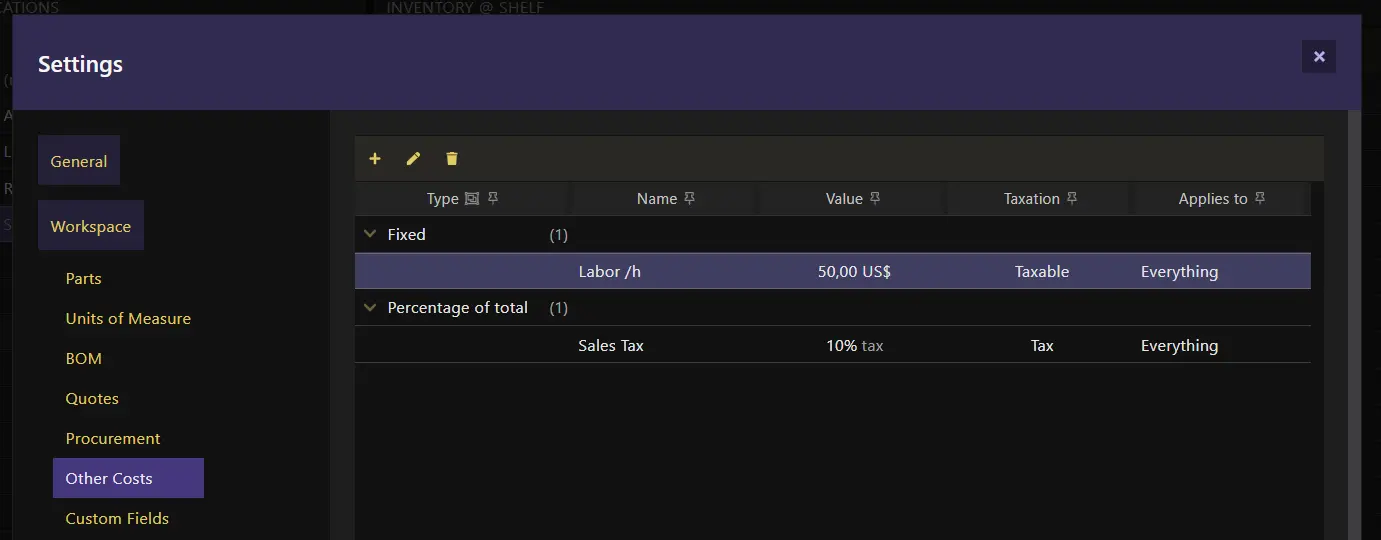
On Purchase Orders, the other costs are split between the items and added to the unit cost of their parts once received. On Production Builds, the other costs are copied from the product revision, can still change during production, and become part of the unit cost of the final product when the build is finished.
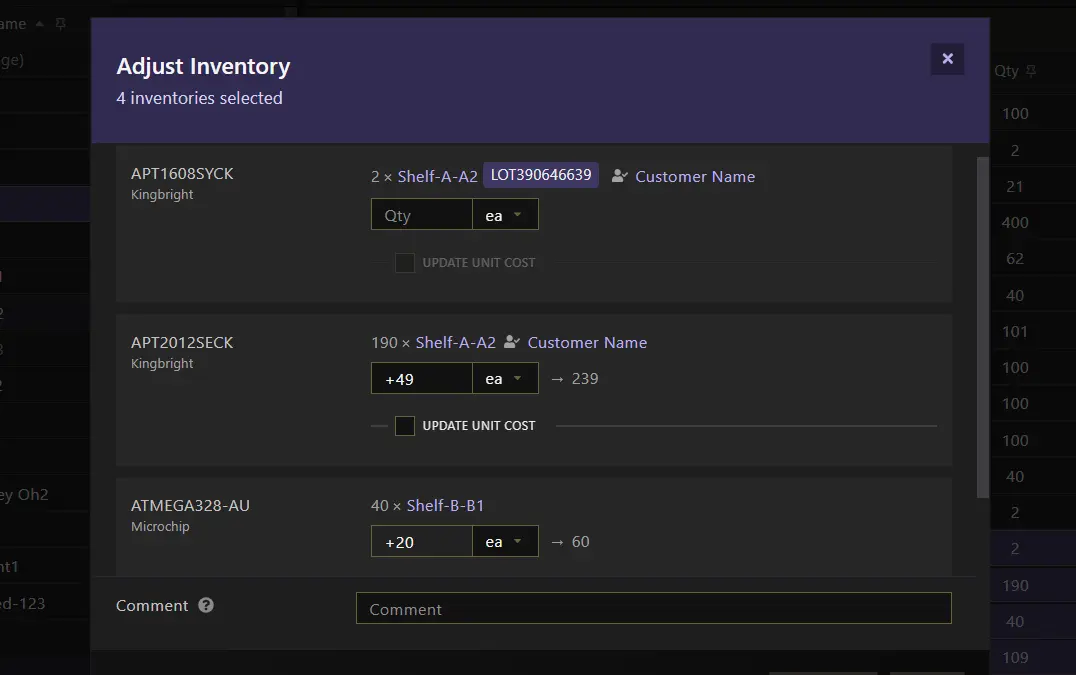
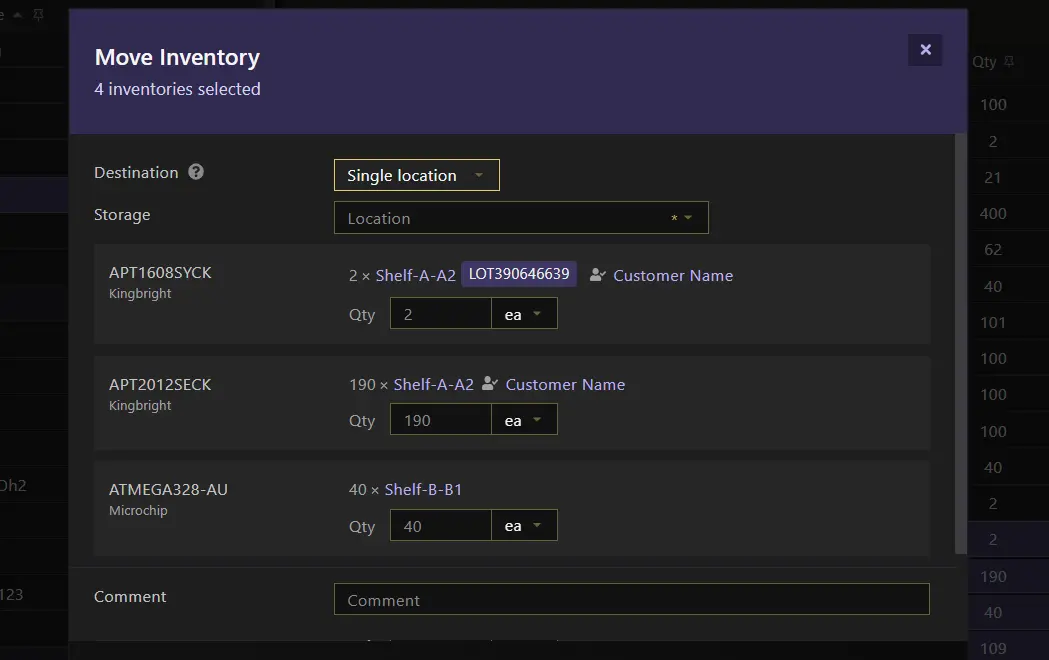
New feature: Bulk adjust and move inventory. Several inventory entries can now be adjusted or moved at once. When moving, the destination can be a single location, the default storage of each part, or an individual location for each entry.
-
New feature: Assign inventory to Contacts. Inventory can now be assigned to a Contact (Assign to...andUnassign...on inventory tables). The inventory table on a Contact now offers the usual inventory actions, and the Contact's history shows when inventory and storage locations were assigned or unassigned. You'll be asked to confirm if you move assigned inventory into a storage location that already holds inventory that isn't theirs. -
New feature: Default storage. A part can now have a default storage location. It is used as the base location for inventory of that part. When moving inventory in bulk, instead of having to individually pick a storage location for each part (if no inventory exists yet) it can be quickly moved to the default storage location of each part. -
New feature: Custom fields applicability. Part custom fields can now be limited to certain part categories and types, so they only show up on the parts they make sense for.
Other significant improvements:
- Add to Pick List: Parts, storage locations, inventory and production build items can now be added straight to a pick list through the
Add tomenu on their tables. Stock adjustments can now also add new inventory with its Rev, ID code and Date code. - Stock Ops: items on pick lists and stock adjustments are now validated and executed in the order they're listed (which you can change). Items that can't be executed (e.g. their inventory is gone or has been moved elsewhere) are skipped and reported instead of being executed incorrectly, and the lists flag the operations that have problems
- Purchasing: when receiving purchase order items, the destination can be a single location, the default storage of each part or an individual location per item, and
Traceability(ID code and date code) can optionally be recorded per item - Parts: new
Purchasing UoMfield, the unit of measure used by default when the part is added to a purchase list - Production: inventory status can now be picked (available or unavailable) for the inventory resulting from production; this is useful when tracking faulty units or units that still have to go through testing after production
- The light theme has been refreshed with softer buttons, navigation menu and dashboard
- API: stock op items now have an
index(the order they're executed in) and stock adjustment items can add inventory withrev,idCodeanddateCode; executing stock ops now reports the items that couldn't be executed