The Dashboard is now the main entry point to the app and gives you an overview of your most important data.
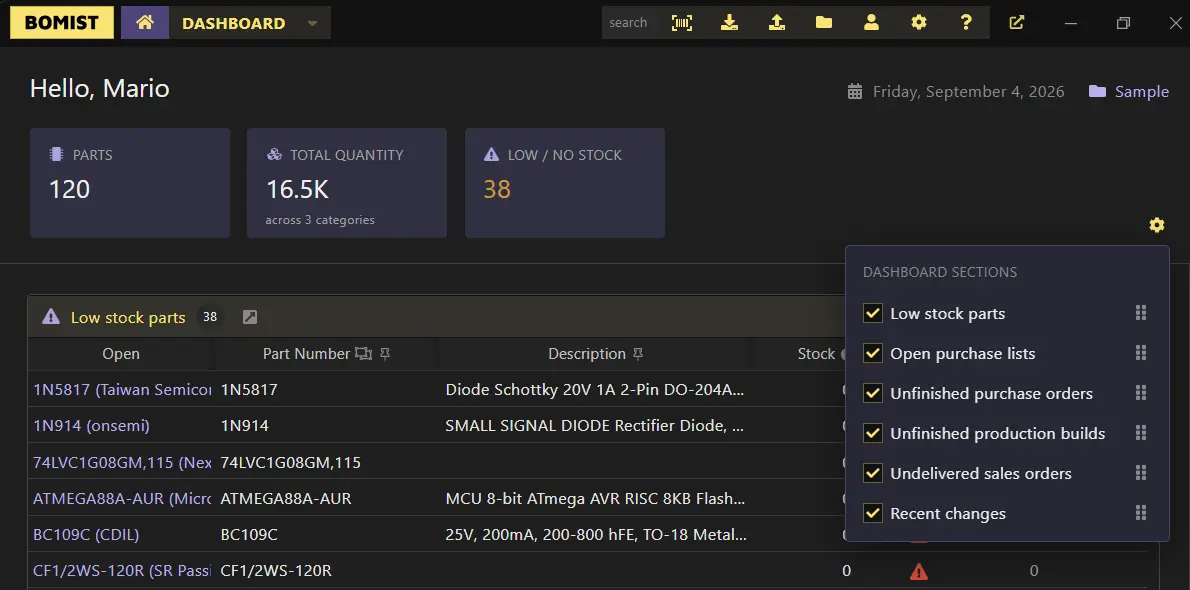
The dashboard includes several sections which for now are tables showcasing low stock parts, open purchase lists, etc (see the picture above). These sections can be reordered or toggled on/off. The dashboard will be improved in future updates so it shall become even more useful and flexible. The app still remembers the last used UI view, so whenever opening the app it will redirect you to it and not necessarily to the dashboard.
This version also brings an MCP server which you can enable from Settings > API & MCP. This can be used to connect your favorite AI/MCP client and have the AI talk with BOMIST.
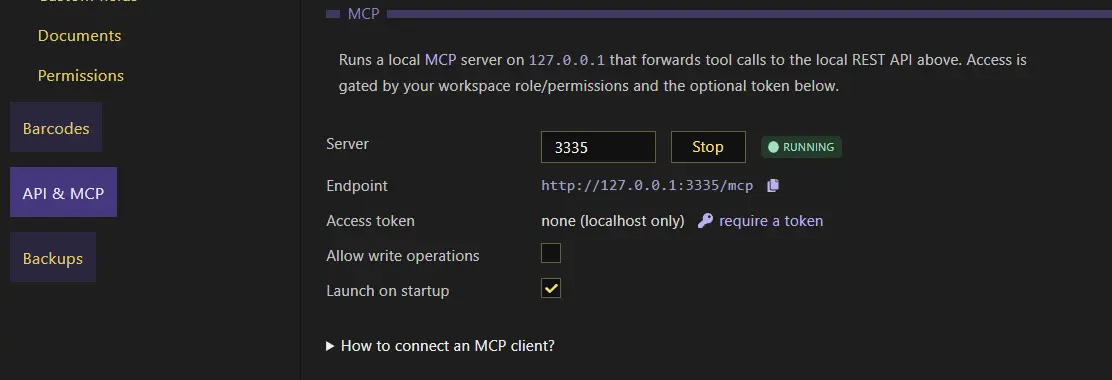
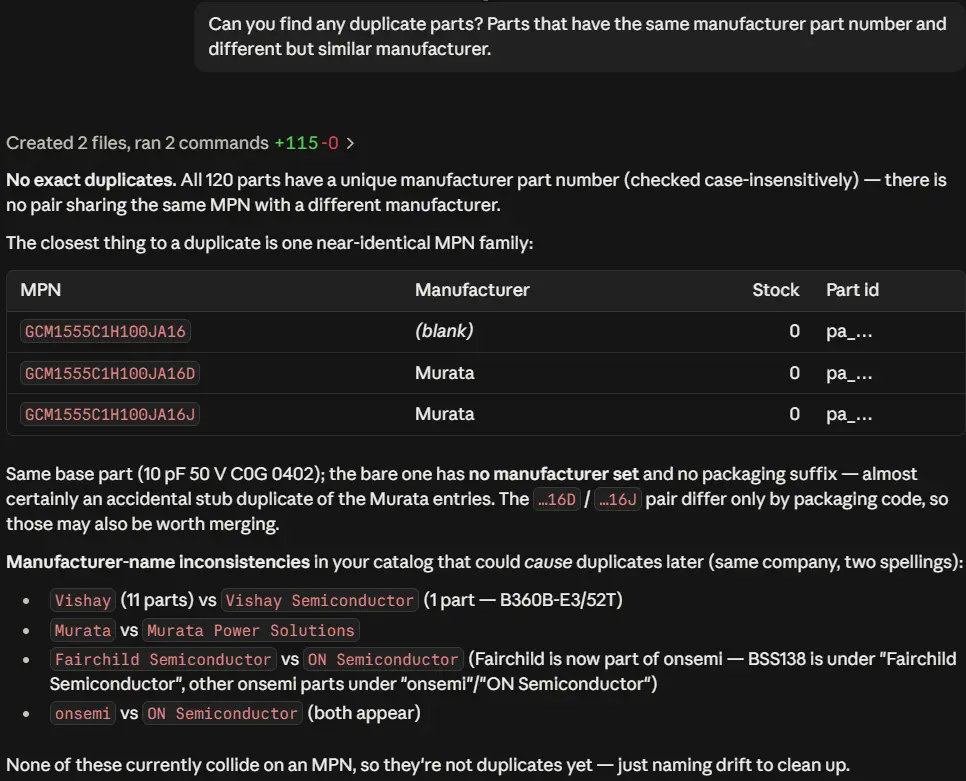
The MCP runs locally, just like the local REST API which the MCP server internally uses. This is a quick example of how you can do with it, here using Claude Desktop:
App settings can now be saved, loaded or reset to default (factory) values through Settings > General.